
STANDARD ANALYTICS
Build validation
Know whether this build is actually better
Compare playtime, completion, progression and exit points by day, build and release channel—then turn a subjective review into evidence your team can revisit.
From Demo and Playtest to release, G-Less compares builds, designs and analyzes project-scoped A/B tests, locates player drop-off and measures whether a gameplay change worked. Integrate the SDK with your team, or let us deliver the measurement system end to end.
Invitation-only · Unity & Unreal · project-specific delivery
Dig Raider · Demo
build 0.8.14 · today
Players
1,284
+18.4%
Daily median
24m 18s
+3m 42s
First-run complete
62.8%
+7.1%
Median playtime by day
Current build vs previous
Run exit depth
50m buckets
BUILD / EXPERIMENT
Validate the change
RUN / FUNNEL
Locate real friction
STANDARD / CUSTOM
Fit the project
SDK / DELIVERY
Choose how to engage
DECISION SYSTEMS FOR SMALL TEAMS
G-Less combines a game-native analytics platform with project delivery. Use the standard workspace for repeatable questions, then add experiment analysis, game-system models or full-service implementation where the project needs them.
Build validation
Compare playtime, completion, progression and exit points by day, build and release channel—then turn a subjective review into evidence your team can revisit.
A/B Test
We help define the hypothesis, stable assignment, event contract, sample checks and result view for camera, tutorial, difficulty, economy or conversion experiments.
Experience diagnosis
Reconstruct sessions, runs, stages, matchmaking and choice paths as game-native funnels, so the next sprint starts with a defensible priority.
Indie-game data full service
G-Less can deliver core-loop measurement design, Unity or Unreal instrumentation, test-build QA, project metrics and a tailored decision dashboard—with ongoing support scoped to each release.
Self-serve foundation—or a G-Less-led delivery
Every custom engagement is scoped around the game, engine, experiment, metric set and support period. We define deliverables and pricing before implementation.
REAL GAMES. REAL SIGNALS.
Eight games across extraction, survival, co-op and narrative design—each measured around the loop players actually experience.
 Live data
PvPvE extraction digger
Depth · exits · co-op matching
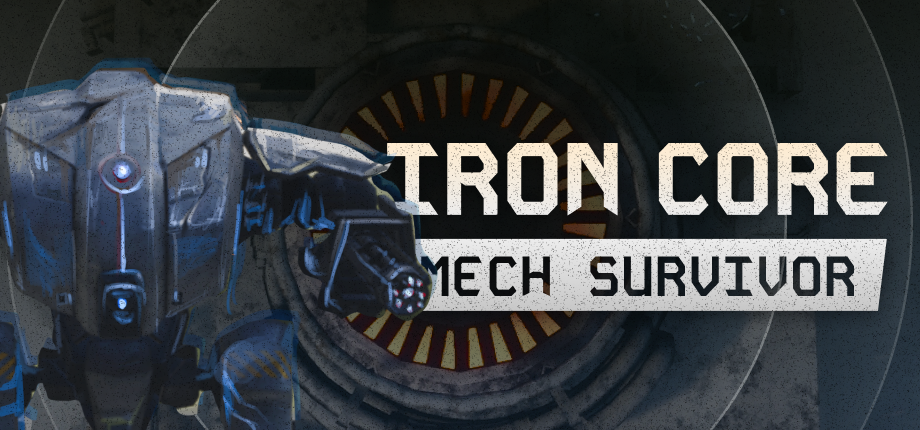
Mecha survival · tower defense
Runs · builds · survival depth
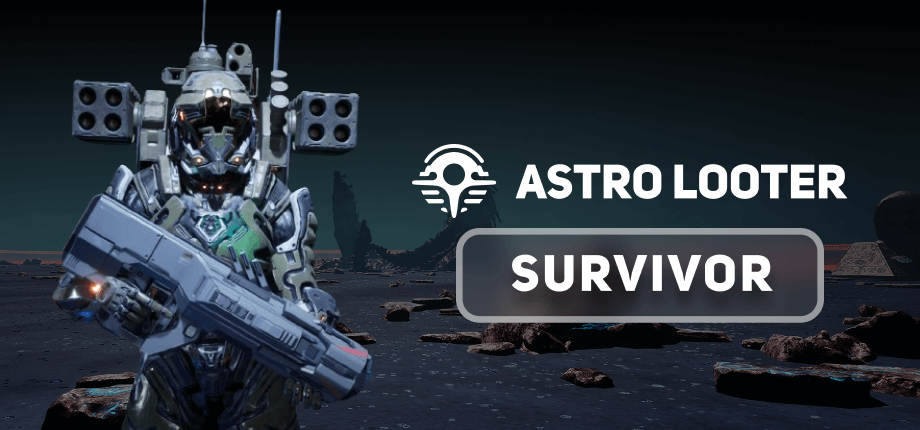
Alien roguelite · tower defense
Runs · progression · retention
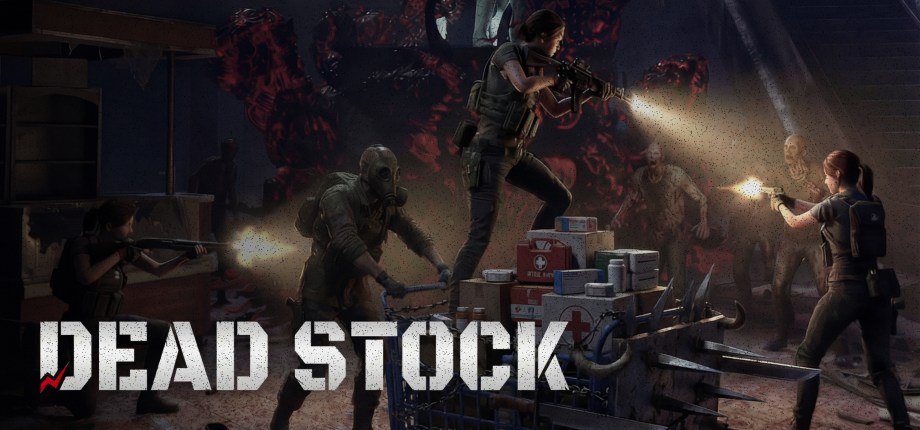
4-player co-op horror shooter
Sessions · co-op · match success

Near-future lunar FPS
Sessions · rounds · matchmaking
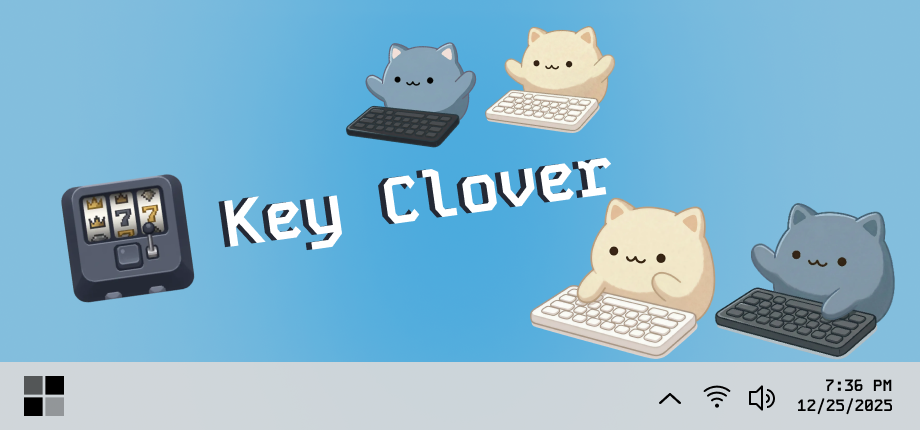
Cozy typing companion
Sessions · streaks · retention
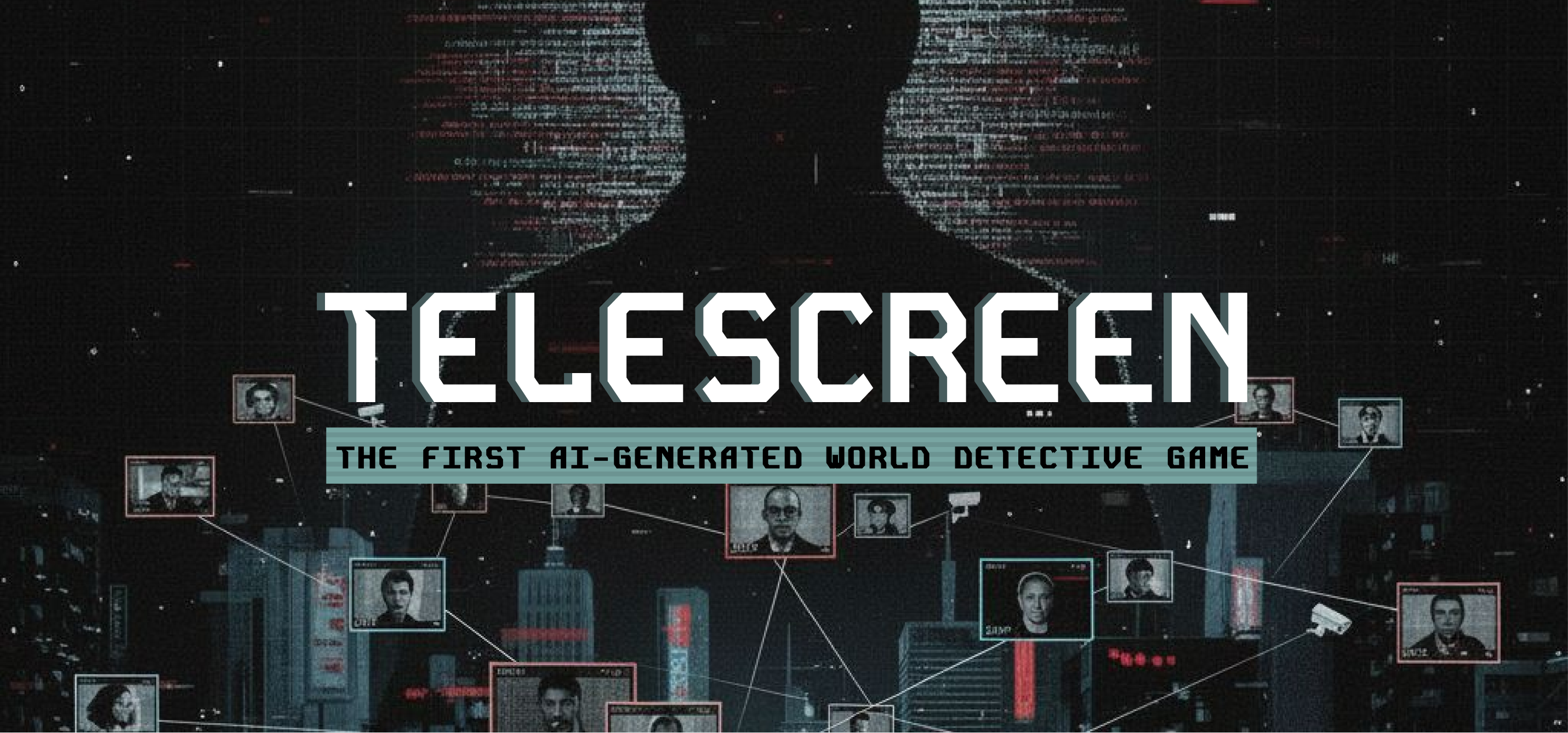
Dystopian surveillance simulation
Sessions · choices · completion
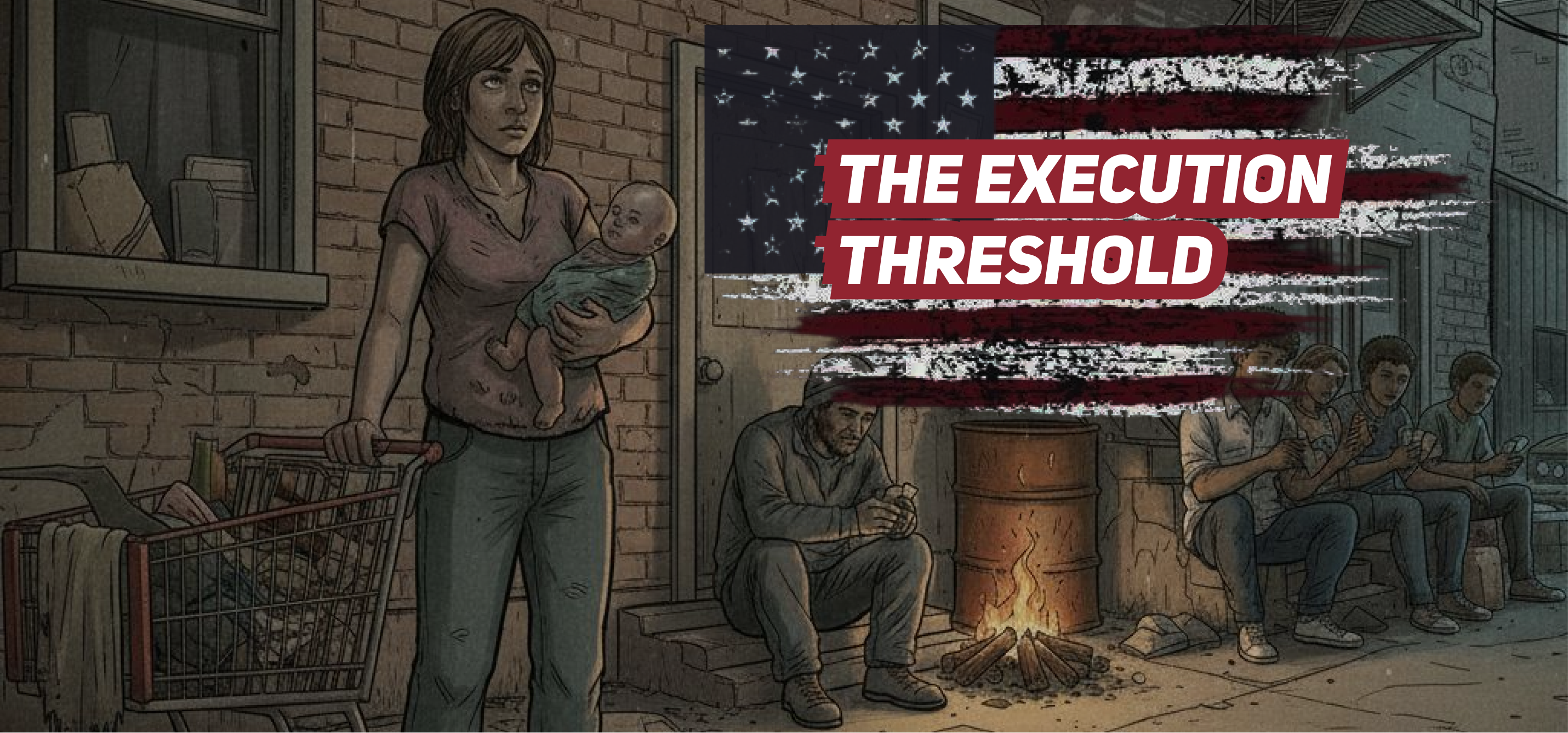
Choice-driven card game
Runs · decisions · completion
STEAMWORKS + G-LESS
G-Less does not replace Steamworks. It connects store-level outcomes with the missing in-game context, so a number can become a design decision.
Steamworks
A lifetime median blends every build and every day together.
G-Less
Compare daily median, completion and exits by build or channel.
Steamworks
A store visit or install does not reveal what happened in-game.
G-Less
See tutorial, run, stage and boss funnels with exact exit depth.
Steamworks
Traffic reports cannot see queues, failures or party outcomes.
G-Less
Measure attempts, wait time, success, cancellation and team entry.
Steamworks’ own UTM documentation says Demo downloads and Playtest conversions are not counted as UTM conversions; Playtest feedback collection is left to developers.
FROM METRIC TO DECISION
Sessions, runs, matchmaking and progression are first-class records—not generic events your team has to decode later.
Separate Demo, Playtest and retail. Compare today with yesterday instead of another lifetime average.
Turn tutorial steps, runs, stages and bosses into completion and drop-off evidence.
Know whether a queue matched, failed, timed out or led to a real multiplayer run.
Find the exact depth, level or checkpoint where sessions end—cleanly or unexpectedly.
01
Add the UE5 SDK and name the loops that matter.
02
Tag build and channel; events queue safely offline.
03
Cut by day, build, mode and progression depth.
04
Keep, change or roll back with behavioral evidence.
PLAYERS LEAVE CLUES
Useful telemetry stays connected to the scene: the depth a run ended, the party that never entered, or the choice that changed completion.
PROGRESSION
CO-OP
DECISIONS
SAFE BY DESIGN
A slow endpoint or offline player changes delivery—not game behavior.
No gameplay waits
Bounded & offline-safe
Opt-out at runtime
FIELD GUIDES
Decision-first guidance for game analytics, Steam demos and production-safe Unreal Engine telemetry.
Explore all resourcesYOUR NEXT BUILD IS A TEST
Workspace access is currently invitation-only. Tell us your project stage and decision goal; existing project members can sign in and enter directly.